Give each tool the right access
Restrict automation keys by action and campaign. Set an expiry and revoke them from your workspace.
Your questions. Real answers.
Collect answers you can review and use. Start with a survey, feedback form or research campaign. Preview the questions, approve them, then share a page with your audience.
“What would make our customers want to come back?”
Try before signup. Publication starts a 24-hour collection trial with a basic results preview. Full results, review and exports need an eligible paid plan. No card required to try. Compare the two ways to start
How it works
Follow one answer from a synthetic campaign through correction and export in the actual application.
Synthetic example · Connected-agent workflow · Scripted answers and review, not customer evidence
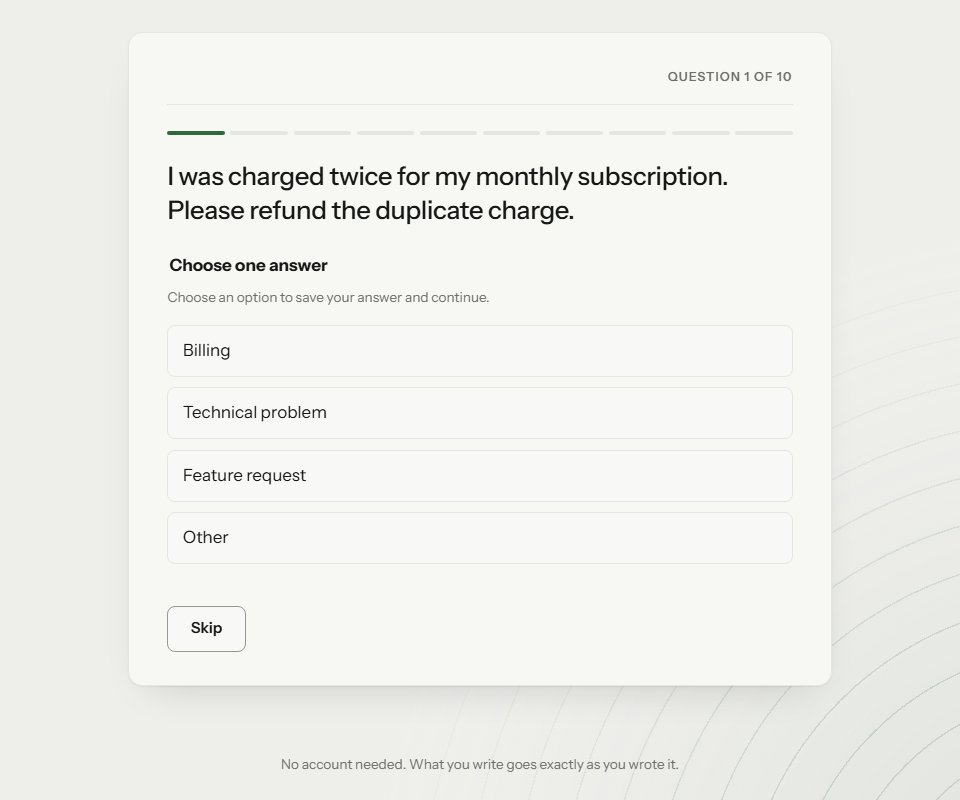
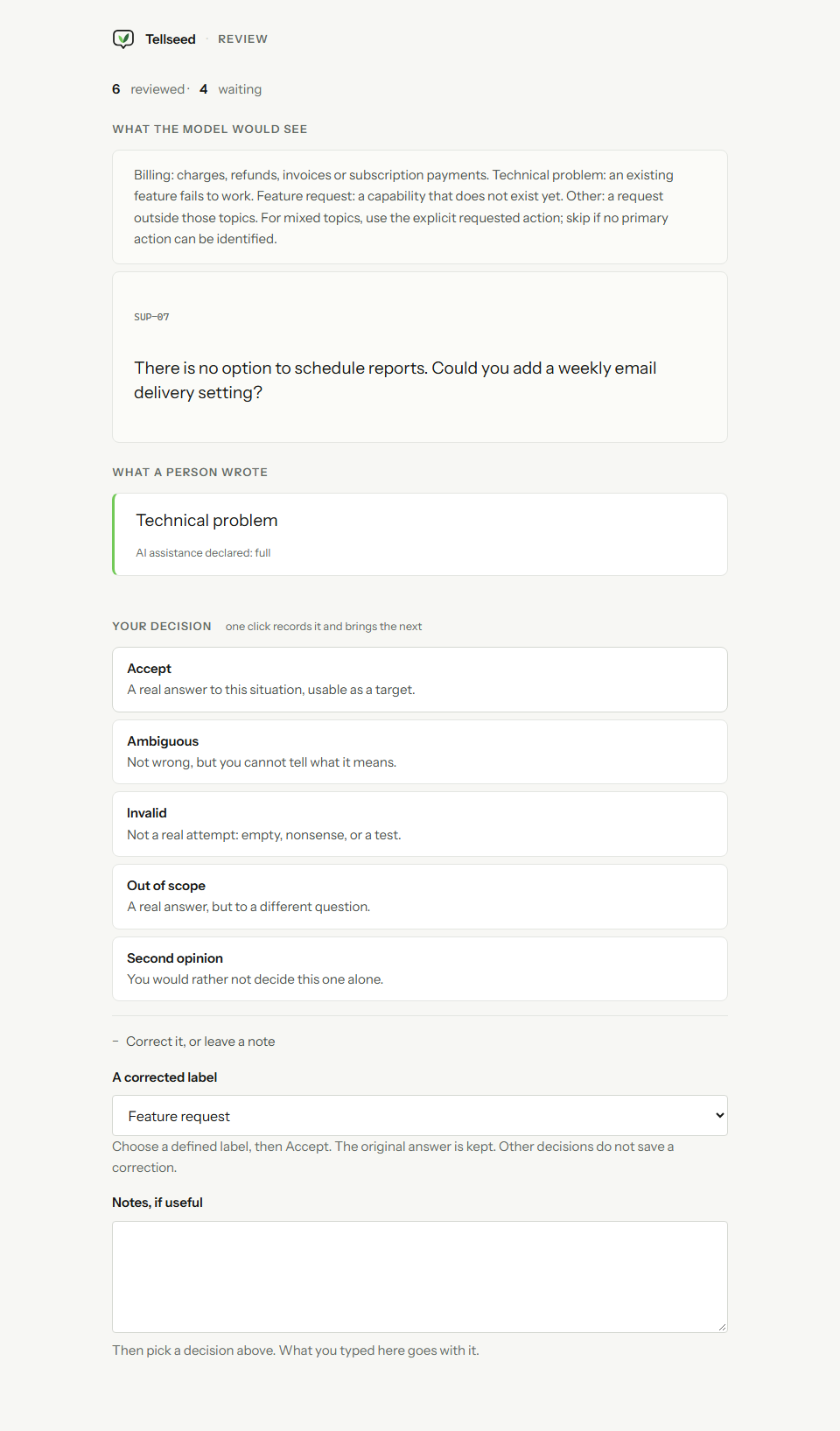
There is no option to schedule reports. Could you add a weekly email delivery setting?
A question from the existing ten-item support campaign, approved before publication.
The original answer to item SUP-07. It remains in the raw export, even after review.
See the actual answer pageThe message asks for a new capability. The scripted reviewer corrects the label and accepts the answer.
See the correction in the appSeven of ten answers enter the reviewed export. Ambiguous, invalid and unreviewed answers are excluded.
{
  "scenarioExternalKey": "SUP-07",
  "target": {
    "kind": "single_choice",
    "other": null,
    "value": "feature"
  },
  "targetSource": "reviewer-correction"
}
Selected fields from the existing reviewed JSONL, not a separate export format.
This example uses Hosted Free through an agent. Browser trials include basic results; full results, review and exports need eligible paid access. Choose the right starting route.
Contributor pages
Use your colours, type and logo on the page your contributors see. Your agent prepares the branding, and you review it before publishing.
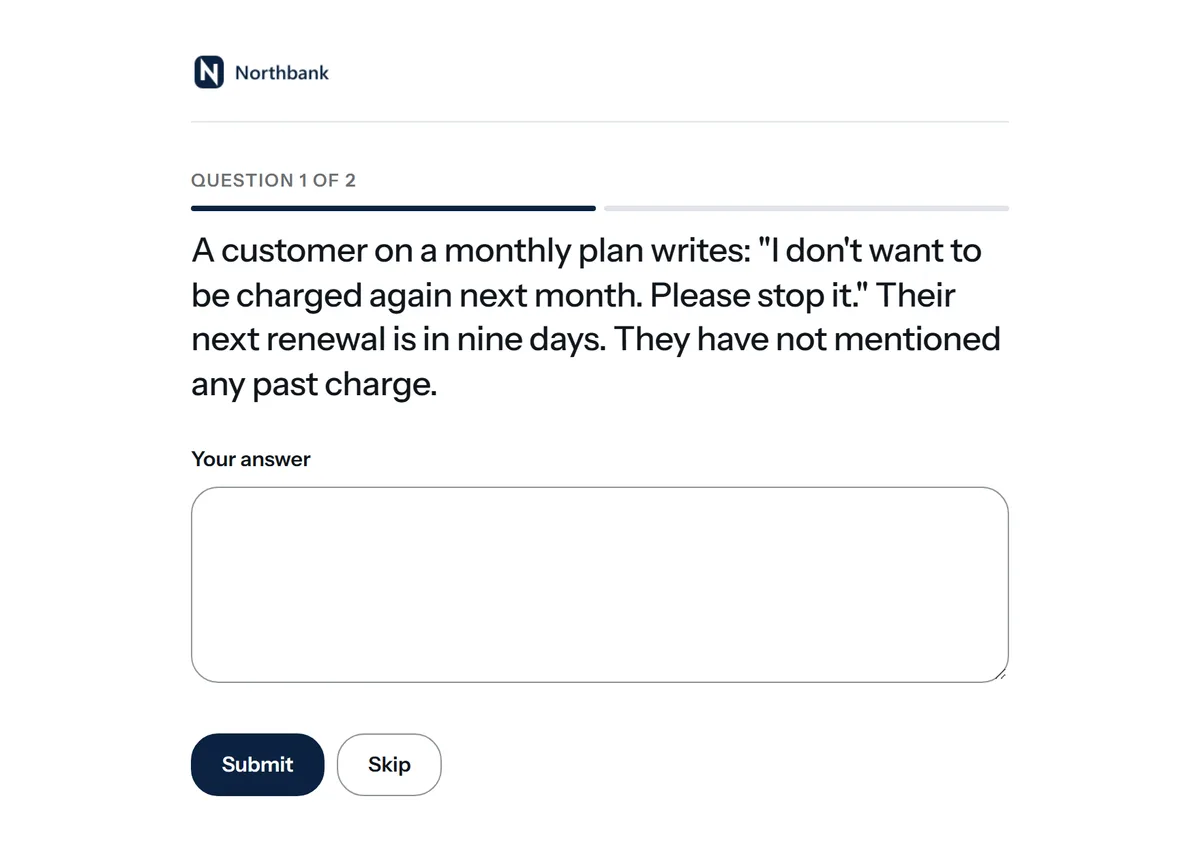
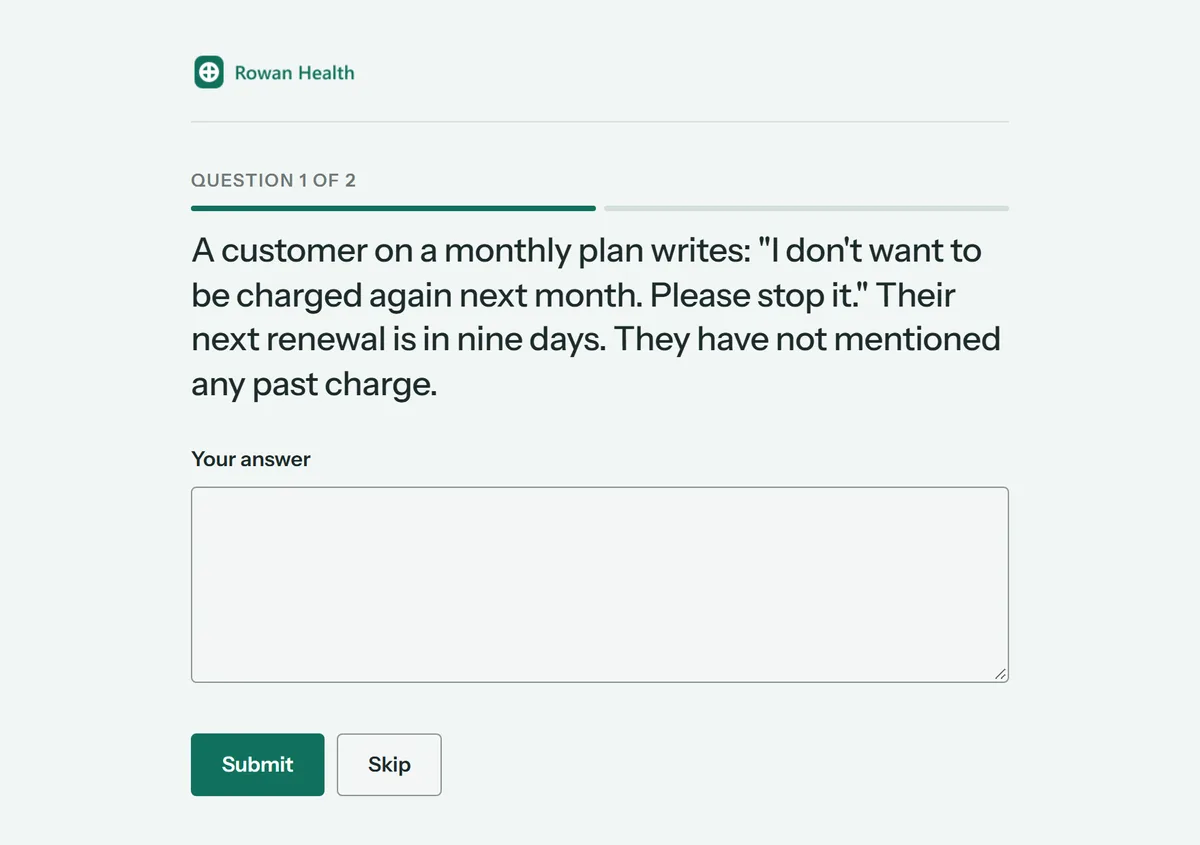
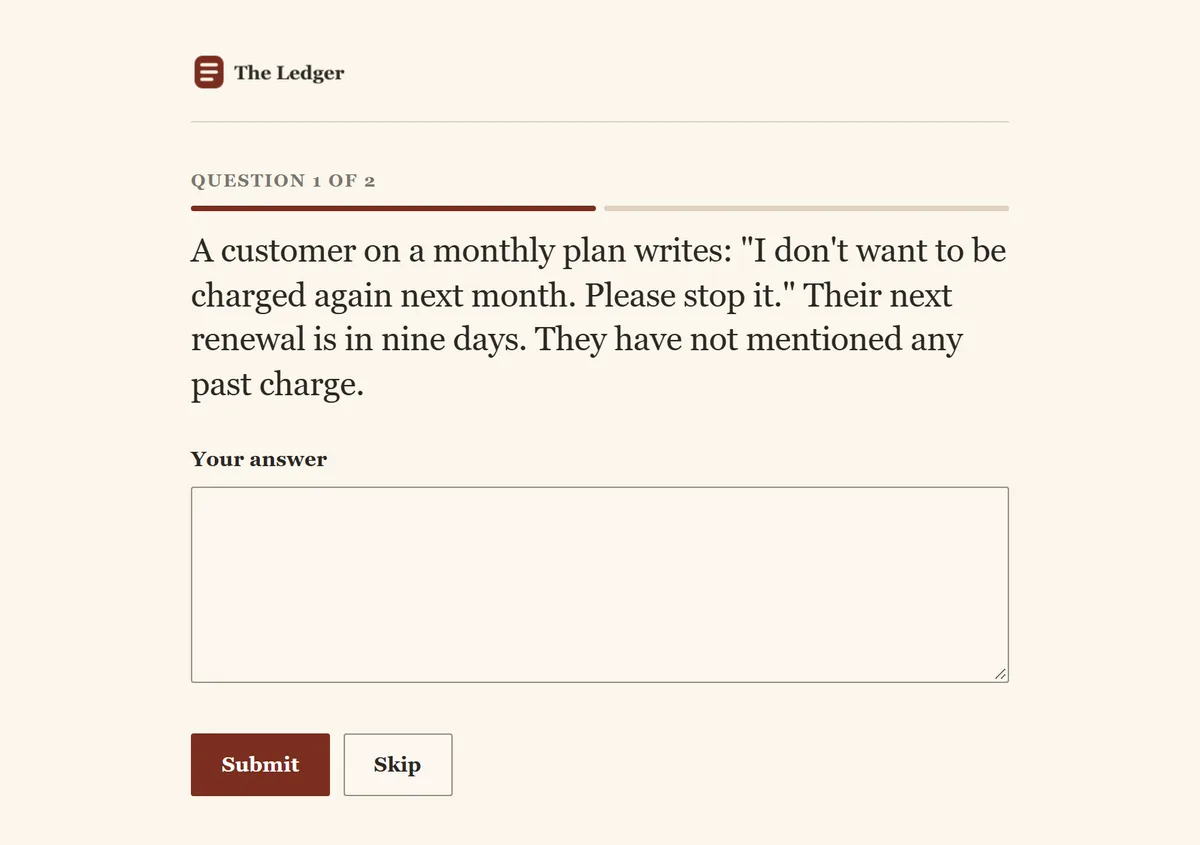
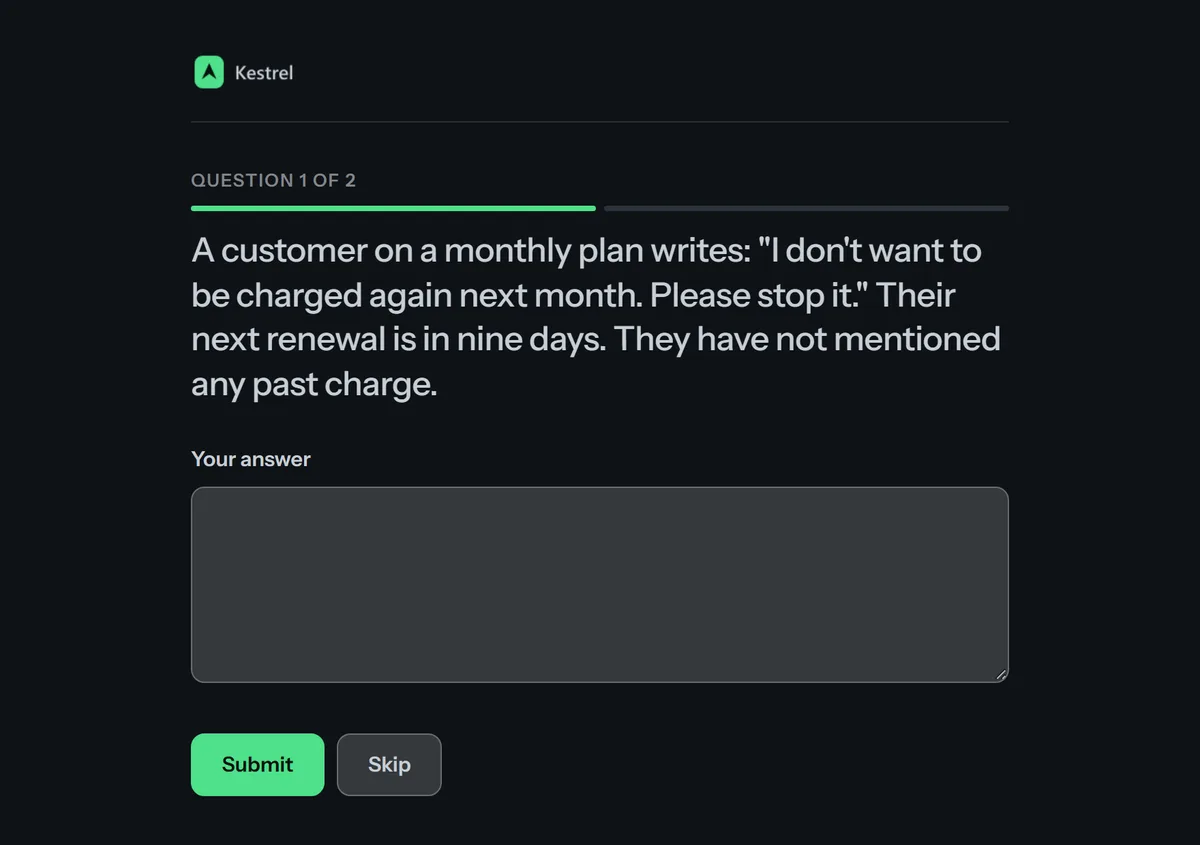
Illustrative. The four organisations here are invented; the pages are real output from one published campaign.
Tellseed checks your palette for readability and shows you any issues before you publish. Fonts and logos are served with your campaign, with no third-party embeds on the contributor page.
Use cases
For businesses, researchers, communities and individuals. Start with a question and invite the people who can answer it.
Find out what customers value, where they get stuck and what they want you to improve.
Explore opinions, habits and experiences with a questionnaire built around your topic.
Ask residents, members or attendees about their priorities and what would make the next experience better.
Let people categorise examples with answer buttons or explain decisions in their own words.
Collect human examples, corrections and edge cases, with review history and traceable exports for your AI workflow.
MCP Technical reference
Connect your existing assistant through MCP to create campaigns in a Hosted Free workspace. Browser chat works without this setup.
Create a 10-question customer feedback survey about delivery and repeat orders.
Tellseed
Campaign draft created.
Keep the work moving
Create drafts, publish after approval and send collection events to your workflows. Start with n8n or connect your own HTTPS endpoint.
Restrict automation keys by action and campaign. Set an expiry and revoke them from your workspace.
Receive signed webhooks for new answers, completed rounds, finalized reviews, published campaigns and ready exports, with retries and delivery history.
Import n8n templates for drafts, approved publication and reviewed datasets. Human approval stays in your hands.
Pricing
Try a 24-hour campaign through website chat, or connect your own agent to a Hosted Free workspace. Existing Free campaigns keep their current review and export access.
Run it on your own box or your own Cloudflare account.
Free
We run it. Enough for a real study by a small team.
Free
More room and your own domain.
£9per monthor £90 a year · two months free
Capacity for a larger study.
£29per monthor £290 a year · two months free
Website chat trials include up to 500 item answers or 1 MiB, with a simple results preview and seven days of retention after expiry. Hosted Free is available now through your connected agent, with no card required. Upgrade to Pro or Team to continue collecting and unlock full trial results before retention expires.Choose a paid plan, verify your email and pay securely through Paddle. Choose monthly or yearly billing at checkout. Final prices and tax are shown before payment.
Put it to work
Follow a practical guide, copy a prompt and make it your own.
Follow a complete Tellseed classification example: ten fictional messages, answer buttons, review, a corrected label and seven downloadable dataset rows.
Read the guide Start hereCreate a survey or data collection campaign in Tellseed chat or with your AI agent. Draft, preview, approve, publish and collect real answers. Start free.
Read the guide Customer feedbackA practical customer feedback survey guide with a copyable AI prompt, ten example questions, review steps and a plan for acting on the answers.
Read the guideTwo ways to start
Try chat and preview before signup. Verify your email, review the campaign, then approve publication.
Publication starts 24 hours of collection, up to 500 item answers or 1 MiB. Basic results are included; full results, review, exports and continued collection need an eligible paid plan.
Create a campaignCollection stops at the time or data limit. Ten answered questions count as ten item answers. Unpaid published trials become eligible for deletion seven days after expiry; saved unpublished trials become eligible seven days after saving. Signup and revisions do not restart the clock.
Read the trial termsCreate a Hosted Free workspace, verify your email and connect a supported agent through MCP.
Three campaigns and 1,000 item answers per month, with review and exports. Your AI client may have separate charges. Existing non-trial Free campaigns keep their established access.
Connect your AI agentNo card required to start either route. Compare plans or ask for help.